How to get a logo for your website without design skills?
⚡ TL;DR: This blog post shows couple high quality paid options for creating a custom logos and one free but time consuming way as well.
Introduction
When creating a new website you want to ensure that it has a nice look and brand that reflects you and your content. Web is full of different free and paid options and I’ll share about few recommendations where to get started depending how much money you want to use. I have absolutely no clue how to use illustrator or photoshop so creating the logos is very much out of my comfort zone 😅🤞.
Paid options
AI generated logos from LogoAI
From the tests which I did logoai.com is definitely the easiest to use.
You only need to:
- Write your name and optionally a slogan
- Select color scheme from 6 options
- Select font style from 6 options
Then logoai.com will suggest multiple different logos for you to select. You’ll get the logo in multiple different formats.
If your time is very valuable you can have a good looking logo ready in few minutes.
🤑 Readers of Flaky Build get 30% discount by following this link or by using coupon code
flakybuildin the checkout.
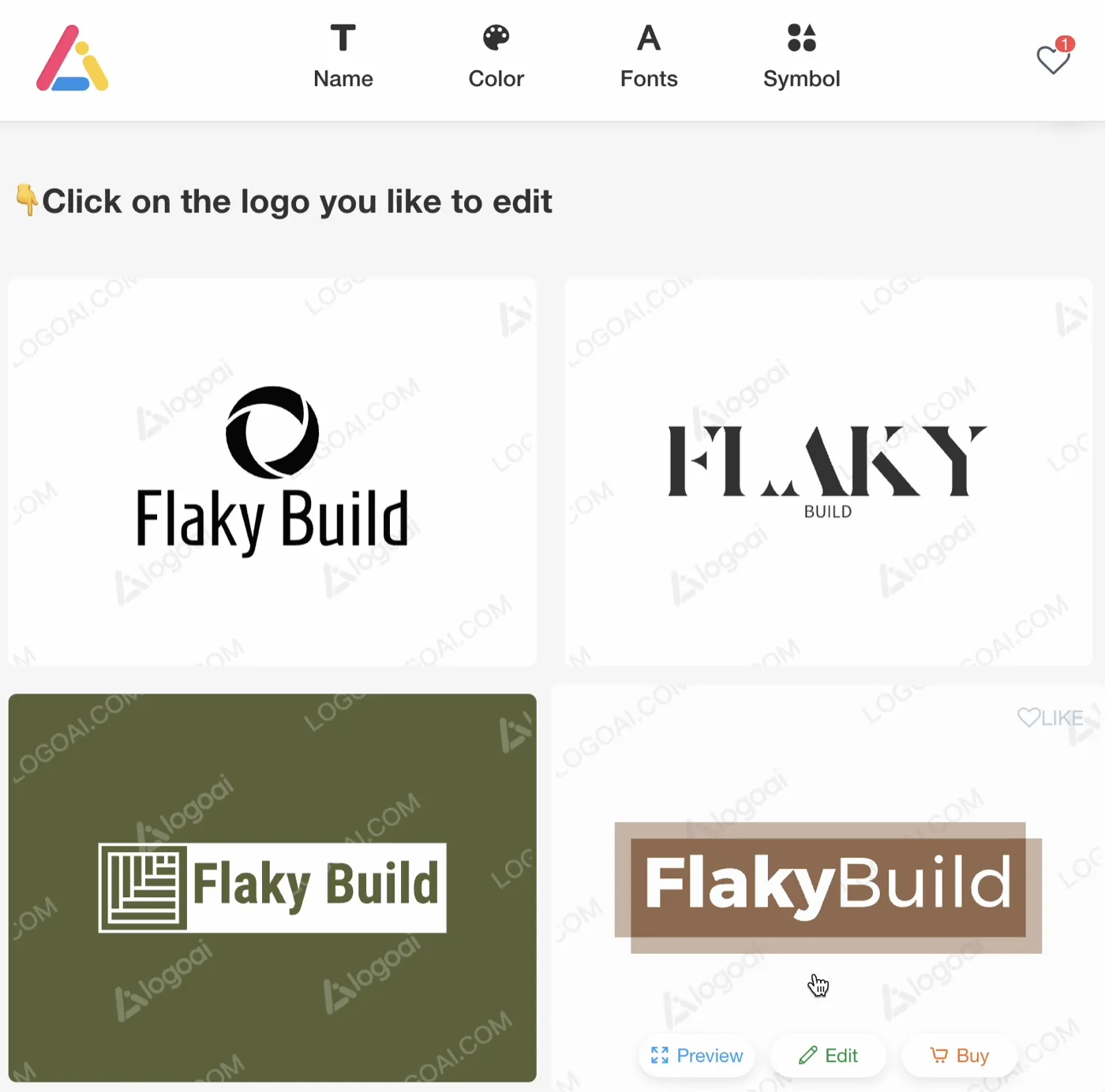
Example logos for Flaky Build in logoai.com
Fiverr Logo Maker
Fiver has recently launched similiar kind of service as logoai.com but instead of AI they use logo templates uploaded by the content creators. They have few different pricing points from 29€ to 88€. Cheapest one gives you access to PNG file and highest to SVG file which you can edit in their platform + ready made versions and branding to your websites and social media.
- Write a name for your Brand and optionally slogan
- Select your Industry from predefined list.
- Add elements you would want to see in your logo
- Select Logo style out of 6 options
- You can tweak 5 different parameters to fine tune your logo
- Accessible vs Premium 🎩
- Classic vs Modern 📡
- Traditional vs Innovative 🚀
- Fun vs Serious 😄
- Simple vs Sophisticated 🧮
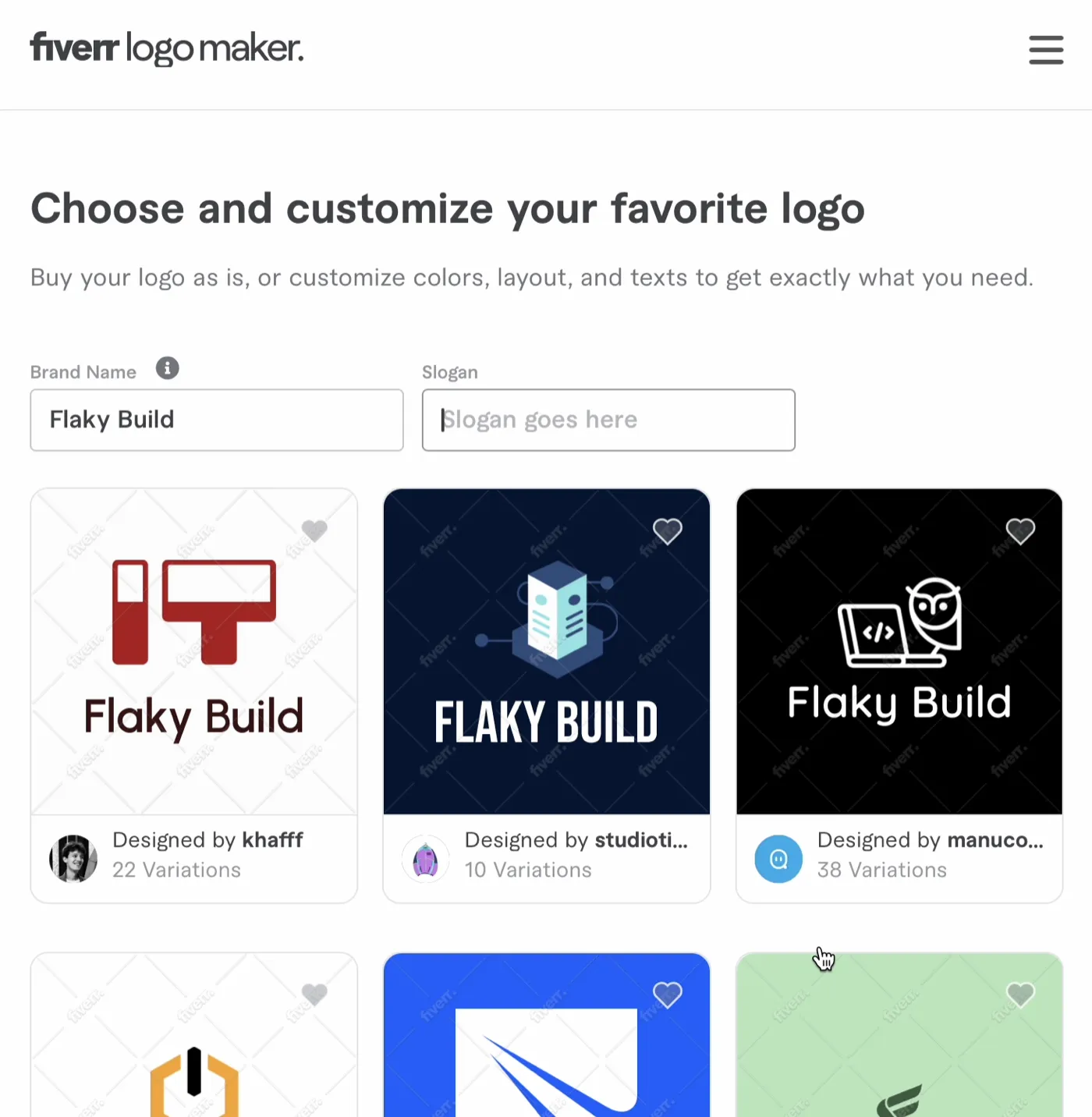
Example logos in Fiverr Logo Maker for “Flaky Build” with industry “Software development” and “3D” style without tweaking the parameters.
Using cheap designers directly from Fiverr
If you want to have more human touch in your logo you can use fiverr.com. Fiverr has freelancers around the world who are willing to create logos or help with any design needs. I’m planning to create few stickers using one of thousands of creators in their platform.
For example San has 4.9/5 ⭐ rating with almost 15k customers and will do a business logo for 9.76€👇
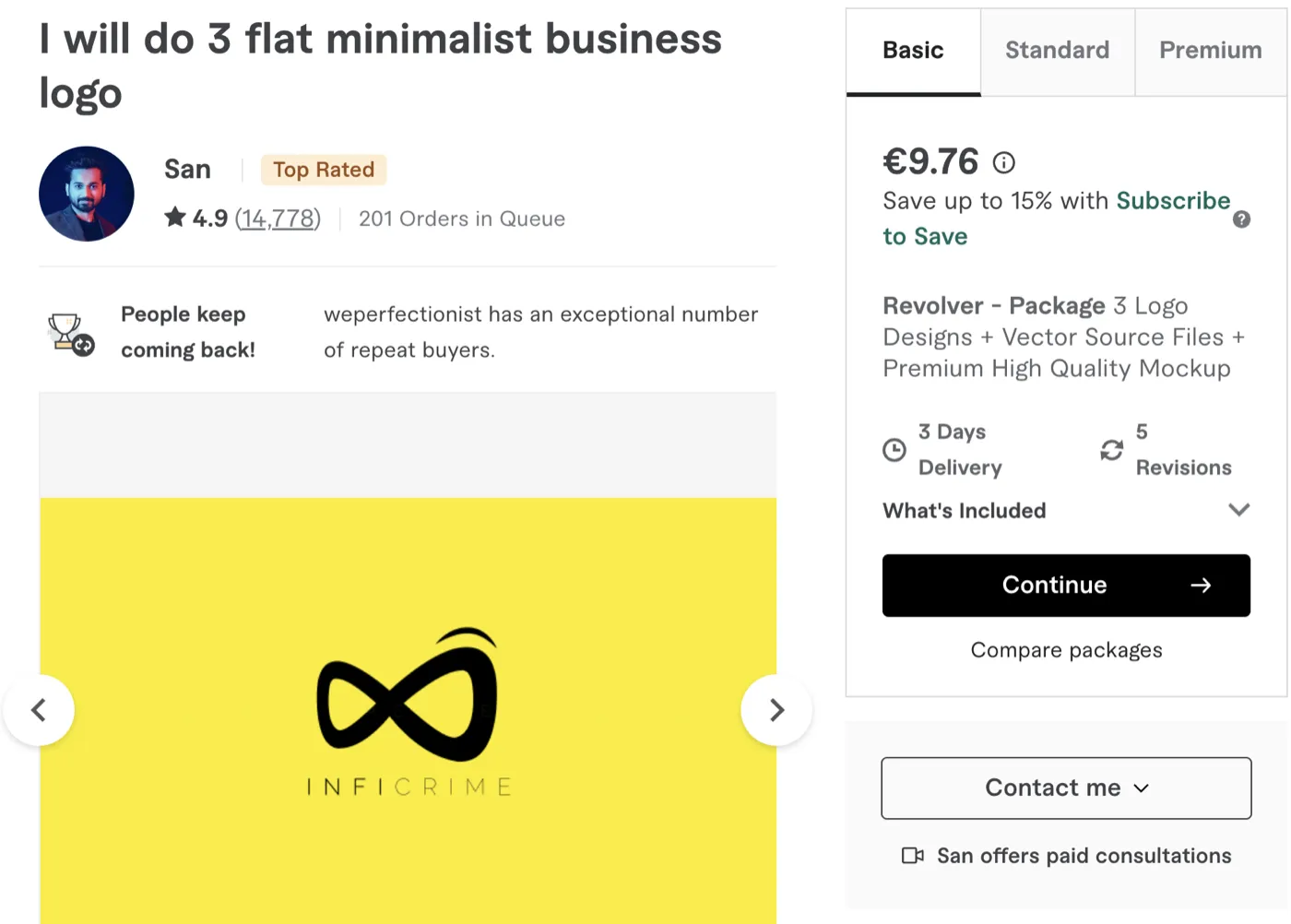
San will make minimalistic logo for you for a price of kebab 🌯
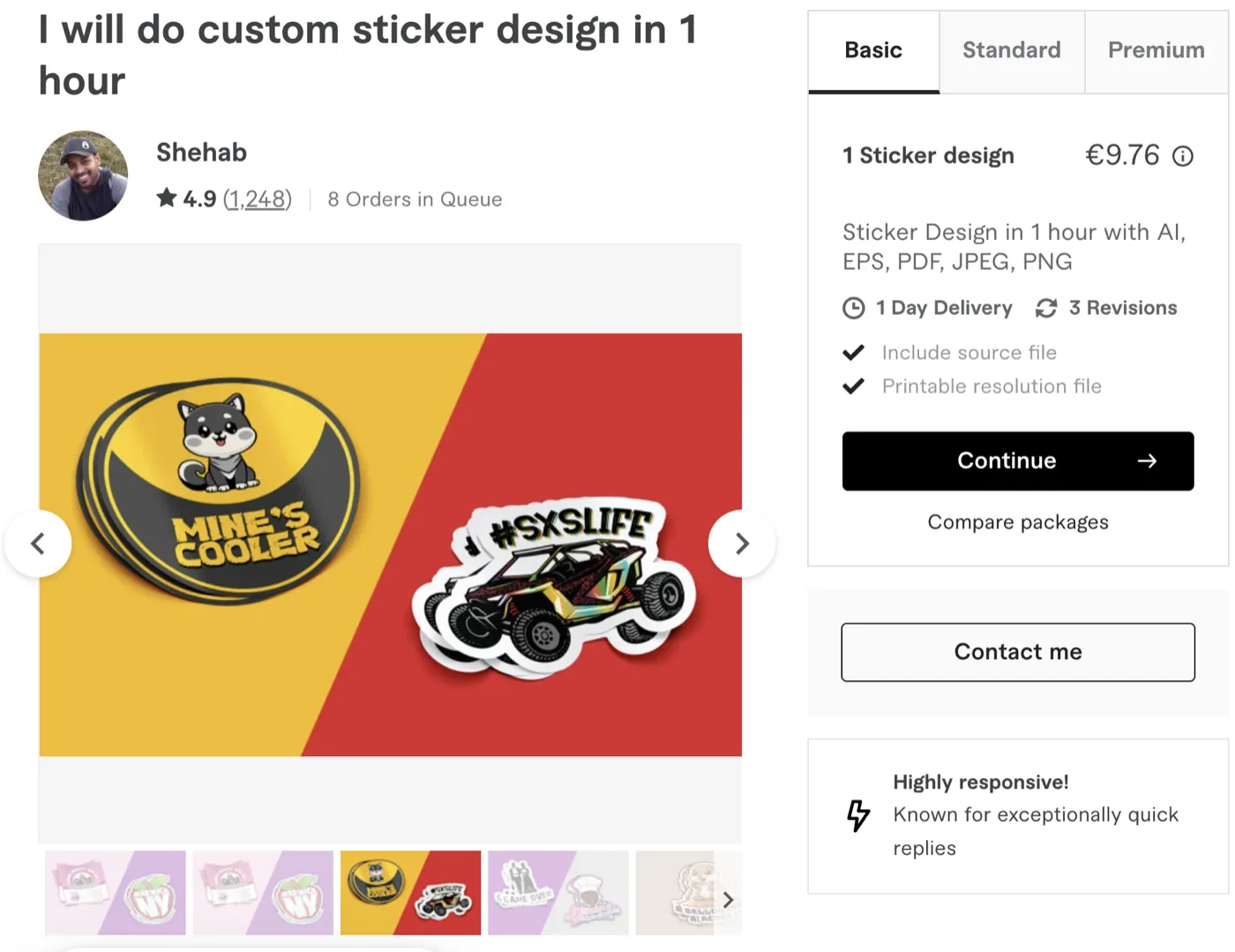
Shehab will create custom stickers very cheaply
Free Options
Royalty free logos from Freepik.com and converting to SVG
This is what I did originally with Flaky Build logo.
-
Find Freepik.com from results and search for “crashing computer flat” in their platform
-
Add mandatory attribution link to the front page of my website.
-
Convert the 6,3Mb EPS file to 335Kb SVG file using CloudConvert
-
Upload image to svgomg.net and select the
Remove raster imagesto greatly reduce the SVG size from 335Kb → 10Kb. You will loose some details from the picture but nothing is worse than slowly loading logo images.

Flaky Build logo without raster images to make it load faster
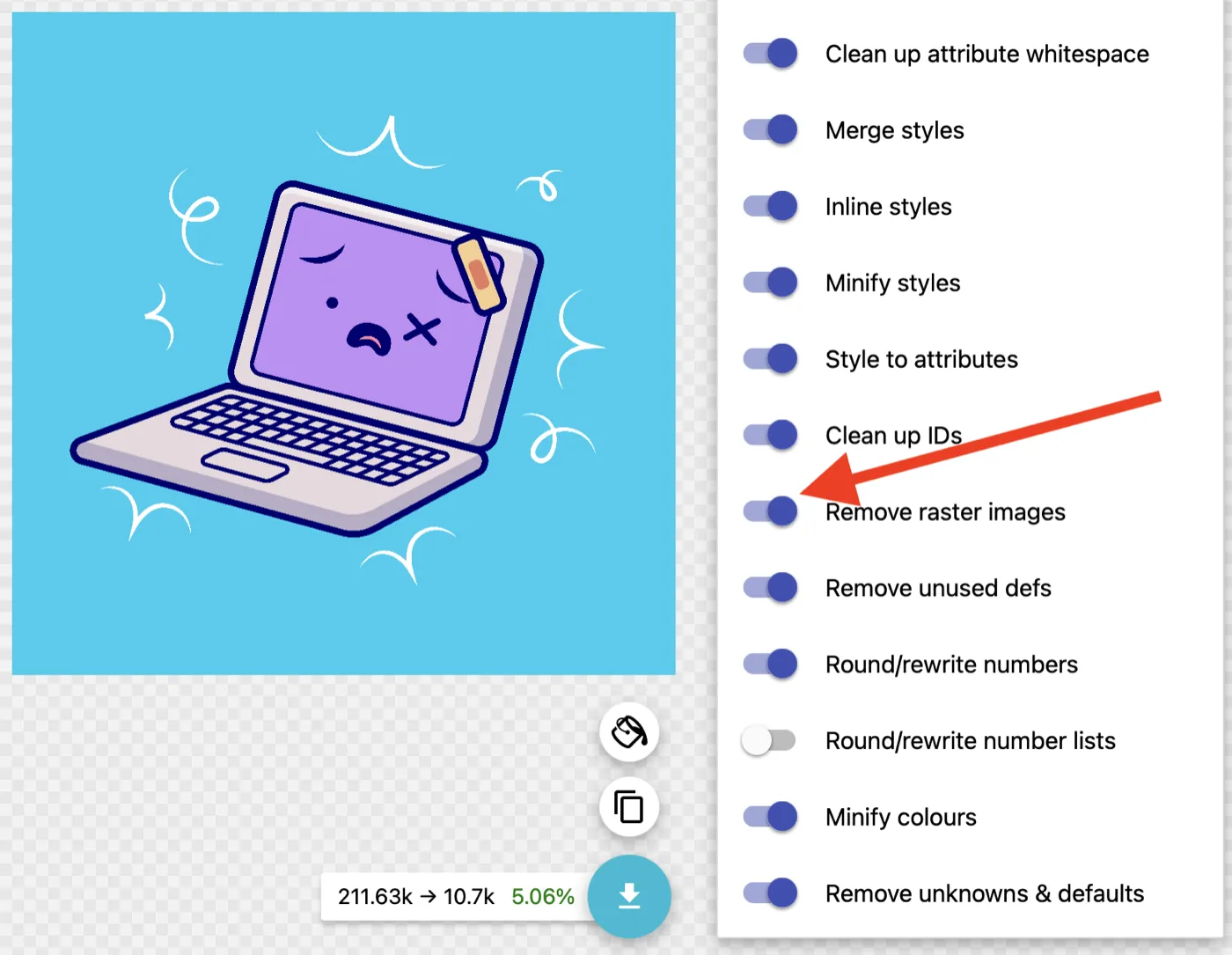
Removing raster images is not enabled by default in svgomg.net and you do need to select it from the right-side menu.
Tips on using the logo in your website
Converting your SVG logo into favicon and PWA logos
This favicon generator runs directly in your browser and has good options to create different size favicons and apple touch icons. It will also generate the needed meta tags into your site to start using the favicon.
Creating Banner images for social media
Next I wanted to use this new logo in Twitter (X) and LinkedIn banner images as well. In order to achieve this I used following 2 free tools:
Picas - Generate Project Logo with Google Fonts
For this I used the hotpot.ai tool to fill in the background with the same color as the background in the logo #06CDEF. Then I checked a funny looking free Google fonts and ended up in Leckerli One and created text logos with picas.vercel.app which I uploaded to the hotpot.ai tool.
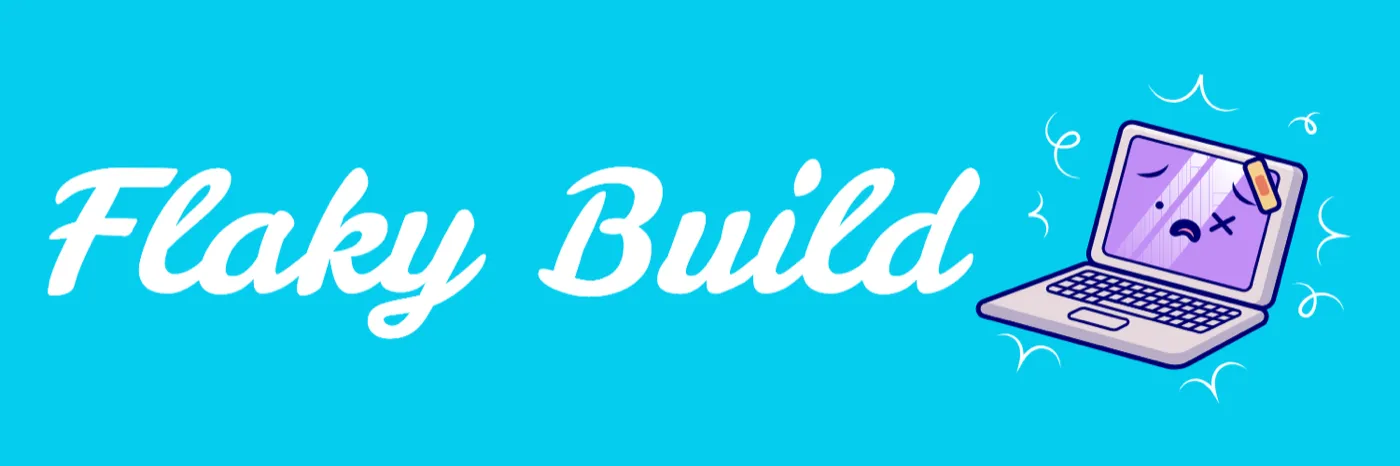
The end result looks a bit too similar to Finnish Delivery company Wolt logo but it will have to do for now. I think I should have just outsourced this process to LogoAI or Fiverr to save the multiple hours I needed to create this ⏳ ⌛
This is the same process I personally used in Flaky Build and it took plenty of hours. But of course if I calculate that my time isn’t worth anything then adding this logo was free 0️⃣ ✂️
If you know even better ways to creating logos or good illustrator guides for software engineers or AI models which can create high quality logos let me know 🙇