
How to watch TikTok videos without TikTok account with Proxitok & Finicky
TikTok forces users to create accounts to see the videos
My friends and colleagues share links to TikTok videos quiet often in Slack/Telegram/WhatsApp. When I click the videos I’m forced to create an account to TikTok but I don’t want to have TikTok account in order to see the videos.
This morning I realized that few great people in the internet are hosting multiple ProxiTok proxies to see TikTok videos anonymously.
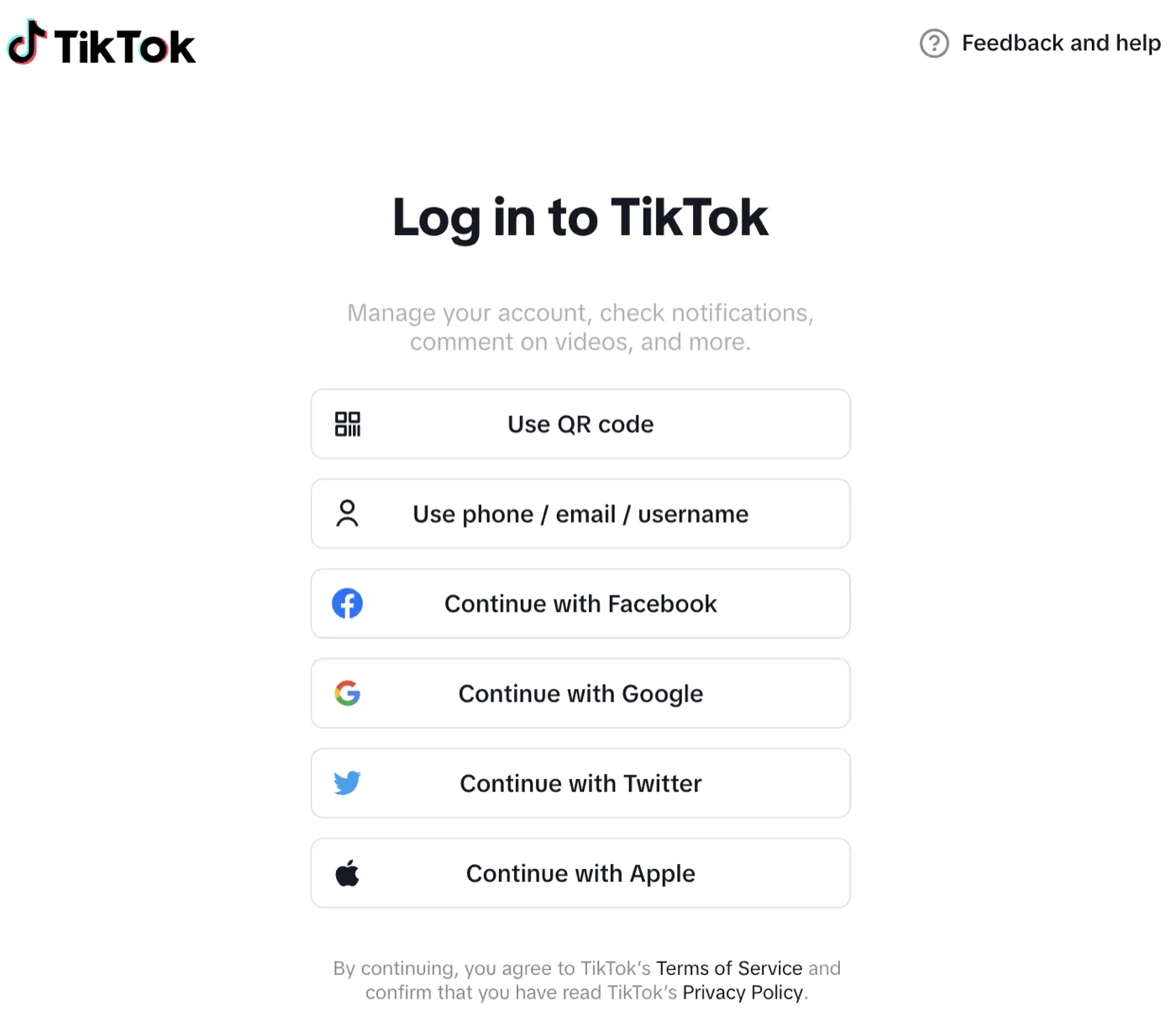
Annoying TikTok forced Login page 🙄
How to rewrite TikTok videos to anonymous proxies on MacOS
Let’s install Finicky in order to manipulate how links are opened on your compute
Run following commands in your terminal to get started:
# Install Finicky with Homebrew
brew install --cask finicky

# Start the Finicky application
open /Applications/Finicky.app

# Edit the Finicky config
${EDITOR:-nano} ~/.finicky.js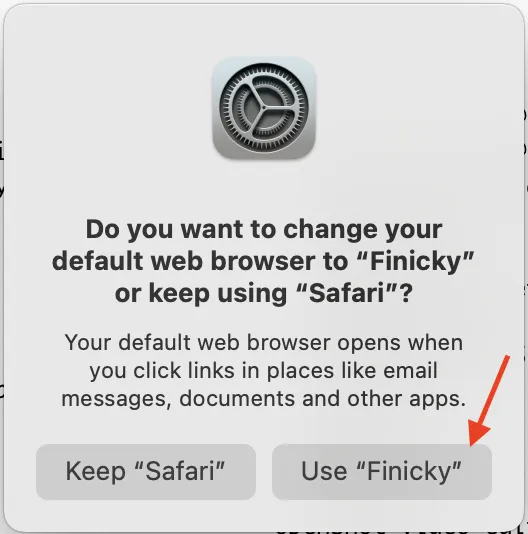
When prompted allow Finicky to be your default browser
Add following config to your ~/.finicky.js file:
module.exports = {
    defaultBrowser: "Safari", // Replace this with browser of your choice
    rewrite: [{
        // Redirect Tiktok video links to use Proxitok public proxies
        match: ({ url }) => (url.host.endsWith("tiktok.com") && url.pathname.startsWith('/@')) || url.host.endsWith("vm.tiktok.com"),
        url: ({ url }) => {
          // See more https://github.com/pablouser1/ProxiTok/wiki/Public-instances
          const selectRandomTikTokProxy = () => {
            const TIKTOK_PROXIES = [
              "proxitok.pabloferreiro.es", // Official
              "proxitok.pussthecat.org",
              "tok.habedieeh.re",
              "proxitok.esmailelbob.xyz",
              "proxitok.privacydev.net",
              "tok.artemislena.eu",
              "tok.adminforge.de",
              "tt.vern.cc",
              "cringe.whatever.social",
              "proxitok.lunar.icu",
              "proxitok.privacy.com.de",
              "cringe.seitan-ayoub.lol",
              "cringe.datura.network",
              "tt.opnxng.com",
              "tiktok.wpme.pl",
              "proxitok.r4fo.com",
              "proxitok.belloworld.it",
            ]
            return TIKTOK_PROXIES[Math.floor(Math.random() * TIKTOK_PROXIES.length)]
          }
          return {
            protocol: "https",
            host: selectRandomTikTokProxy(),
            // Prepend pathname with /@placeholder/video to match ProkiTok urls
            pathname: (url.pathname.startsWith('/@') ? url.pathname : `/@placeholder/video${url.pathname}`)
          }
        }
    }]
}
Save the finicky file and now when you click a TikTok links in your chat applications outside of the browser you should see the videos instead of being forced to log in.
☝ Finicky can’t rewrite links inside your browser. You need to use other tools for that
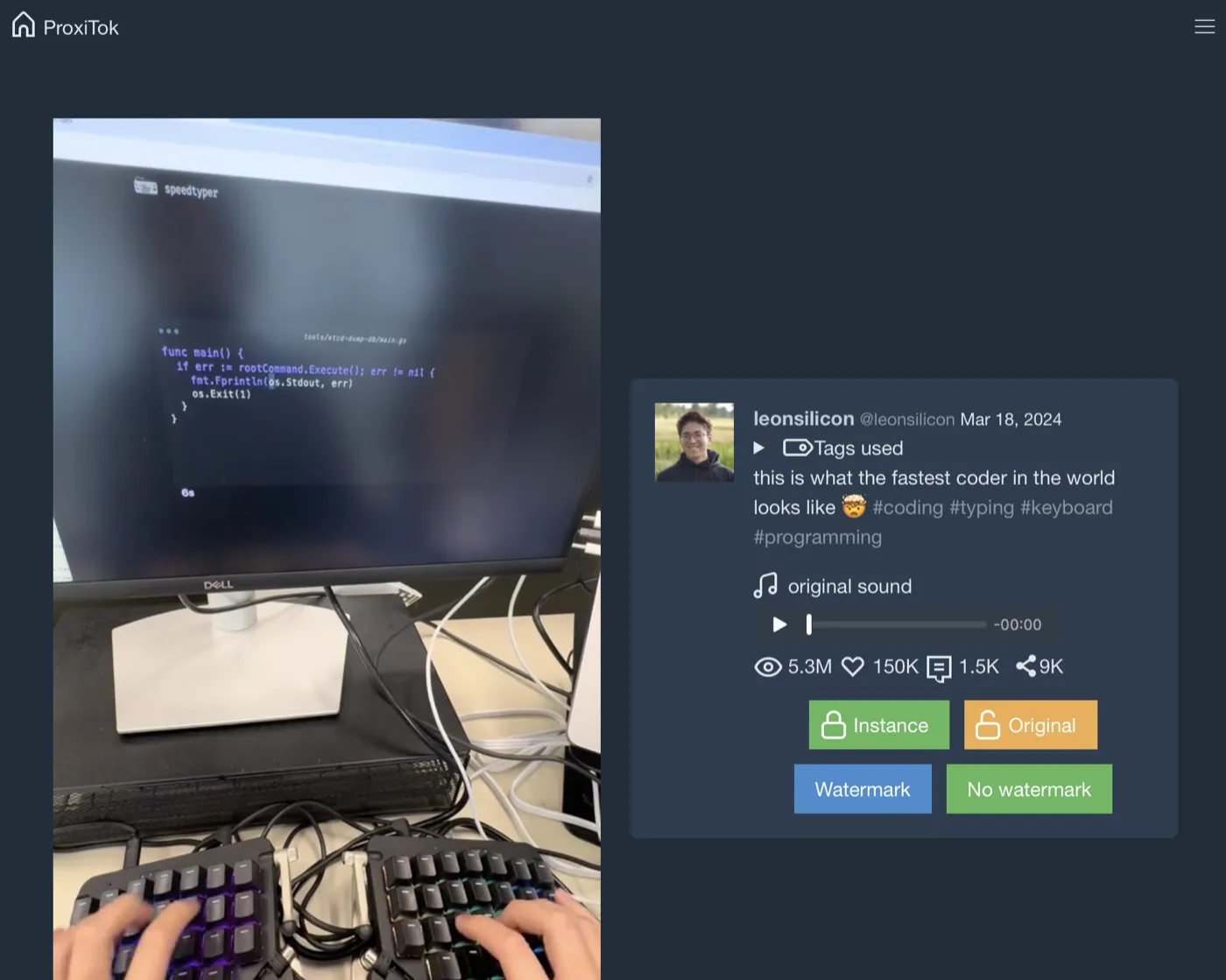
Watching a TikTok video outside of TikTok.
EDIT 2025: It seems that Proxitok servers don’t work anymore offtiktok.com works much better
I noticed in January 2025 that the setup above didn’t work anymore and I learned that offtiktok.com provides much better support. This is how I’m redirecting them nowadays:
module.exports = {
  defaultBrowser: "Safari",
  rewrite: [
    {
      // Redirect Tiktok video links to use offtiktok.com
      match: ({ url }) => url.host.endsWith("tiktok.com"),
      url: ({ url }) => {
        return {
          protocol: "https",
          host: "vm.offtiktok.com",
          pathname: url.pathname
        }
      }
    }
  ],
};
Other use cases for Finicky
If you want to see what else is possible with Finicky you can read their configuration examples.